




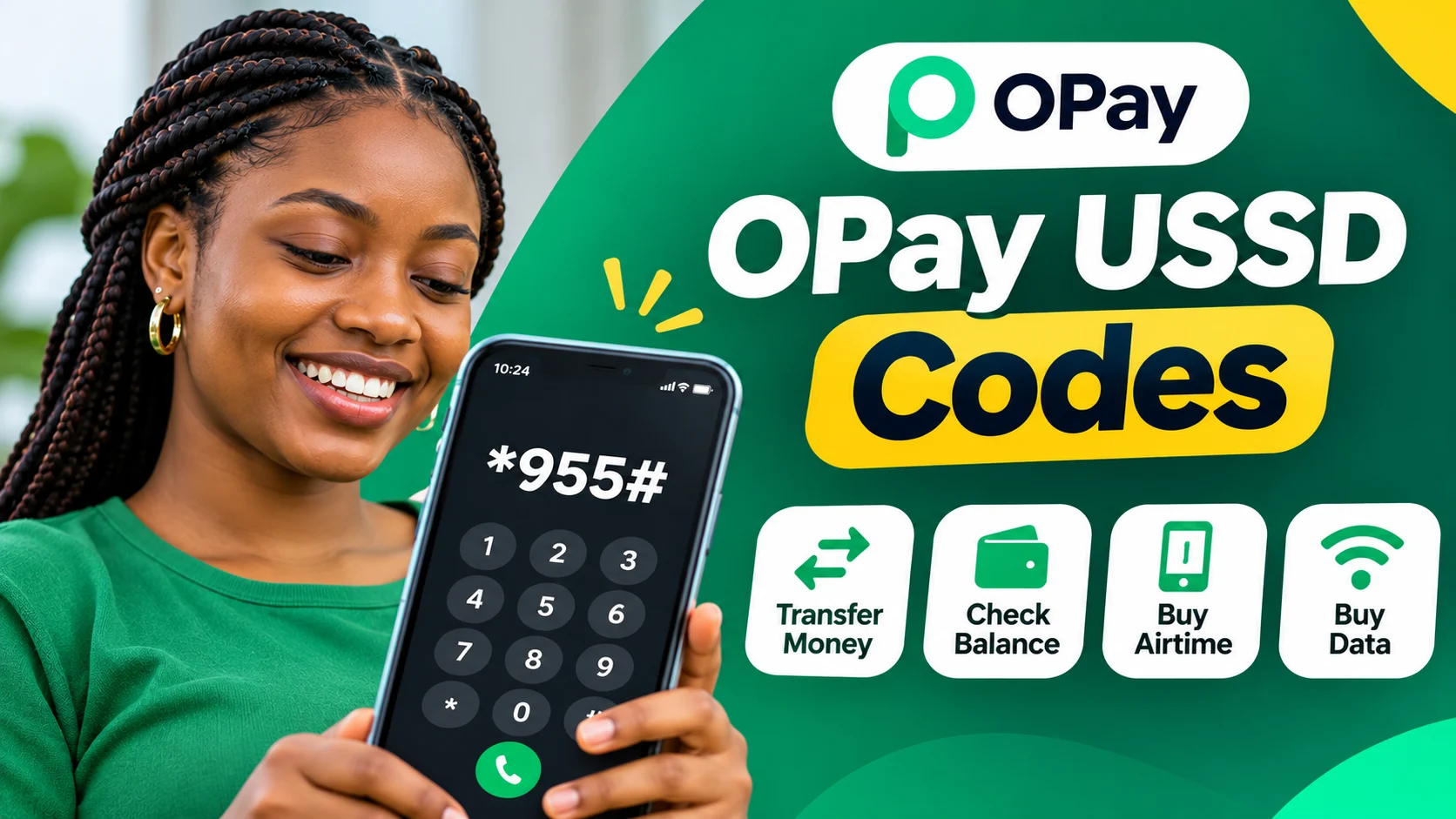
These services are particularly useful when mobile data is unavailable, the OPay application is not loading or a customer needs to complete a transaction using a basic mobile phone.
This guide provides a practical list of OPay USSD codes for 2026, explains how to use them and highlights important security precautions. It also covers the codes for blocking an OPay account or debit card if a phone or card is lost or stolen.
What Is the OPay USSD Code in Nigeria?
The main OPay USSD code in Nigeria is *955#.
It allows registered OPay customers to access selected financial services by dialling a short code on their mobile phones. Instead of opening the application, customers can follow the instructions displayed on their phone screens to complete supported transactions.
The service is designed to make financial transactions more accessible, particularly for customers who may not always have access to mobile internet.
To use OPay USSD banking, customers generally need to dial the code using the mobile phone number registered to their OPay account.
After dialling *955#, follow the displayed menu and select the service you want to use. Depending on the transaction, you may be asked to enter an amount, recipient details or your transaction PIN.
Complete List of OPay USSD Codes for 2026
Below is a quick reference to commonly published OPay USSD shortcuts and their functions.
| Transaction | OPay USSD Code |
|---|---|
| Main USSD menu | *955# |
| Check account balance | 9550# |
| Transfer to another OPay account | 9551AmountAccount Number# |
| Transfer to another bank | 9552AmountAccount Number# |
| Buy airtime for yourself | 9553*Amount# |
| Buy airtime for another number | 9553AmountPhone Number# |
| Buy data | 9554# (follow the menu) |
| Pay electricity bills | 9556# (follow the menu) |
| Block a lost or stolen OPay account | 955131# |
| Block an OPay debit card | 955132# |
| Check NERSI relief eligibility | 95520# |
| Transaction | OPay USSD Code | |
|---|---|---|
| Main USSD menu | *955# | |
| Check account balance Transfer to another OPay account |
9550# |
Important: The main code, *955#, is the safest starting point when a direct shortcut does not work. Some published OPay code lists differ, particularly for balance enquiries, data purchases and additional services. Follow the menu displayed by OPay rather than relying on an unverified shortcut.
The 95520# code is a separate eligibility-checking service for the Federal Government's National Emergency Relief and Stabilisation Intervention (NERSI), not a general OPay banking shortcut.
How to Check Your OPay Account Balance Using USSD Code
If you want to know how much money is available in your OPay account without opening the application, you can use the USSD service.
Follow these steps:
Open the phone dialler.
Dial 9550# using the number linked to your OPay account.
Follow the instructions displayed on your screen.
Enter your transaction PIN if requested.
Check the balance information displayed.
If the direct balance code does not work, dial *955# and select the balance enquiry option from the available menu.
Never share your transaction PIN with another person, even if they claim to be helping you check your account balance.
How to Transfer Money From OPay Using USSD Code
OPay customers can use USSD to send money to another OPay account or transfer funds to accounts at other Nigerian banks.
You do not need to open the mobile application to access the USSD transfer menu.
How to transfer money to another OPay account
Use the following format:
Code: 9551AmountAccount Number#
For example, if you want to send ₦5,000 to an OPay account with the account number 1234567890, the format would be:
955150001234567890#
Replace the example account number with the actual recipient's account number.
Follow any additional instructions displayed on your screen and confirm the transaction details before entering your PIN.
How to transfer money from OPay to another bank
To transfer money to another Nigerian bank account, use the following format:
Code: 9552AmountAccount Number#
For example, to initiate a ₦10,000 transfer to a bank account, the format would be:
9552100001234567890#
Follow the displayed instructions to select or confirm the receiving bank and recipient details.
Before completing the transfer, carefully verify the recipient's name, account number and transaction amount.
If the direct shortcut is unsuccessful, use the main *955# menu and select the transfer option.
How to Buy Airtime on OPay Using USSD Code
You can purchase airtime through OPay without opening the mobile application.
The USSD service provides options for recharging your registered phone number or purchasing airtime for another person.
Buy airtime for your own phone number
Dial:
** 9553*Amount# **
For example, to purchase ₦1,000 airtime for your registered phone number:
9553*1000#
Follow the instructions displayed to confirm the recharge.
Buy airtime for another phone number
Use this format:
** 9553AmountPhone Number# **
For example:
9553100008012345678#
Replace the example number with the recipient's actual phone number.
Always confirm the phone number and recharge amount before completing the transaction.
How to Buy Data on OPay Using USSD Code
OPay also provides access to data subscription services through its USSD platform.
To purchase data:
Dial *955# from your registered phone number.
Select the data purchase option.
Enter the phone number you want to recharge.
Choose the available network and data bundle.
Review the subscription details.
Confirm the transaction using the instructions displayed.
Some published guides list 9554*Phone Number# as a direct data shortcut. However, because published shortcut formats differ, the main USSD menu is the recommended route when you are unsure.
How to Pay Electricity Bills Using OPay USSD Code
Customers can also access electricity bill payment services through OPay's USSD menu.
To initiate an electricity payment:
Dial *955#.
Select the bill payment option.
Choose electricity.
Select your electricity distribution company.
Enter your meter or customer number.
Select the payment amount.
Review the information and confirm the transaction.
Depending on the electricity provider and meter type, you may need to complete additional verification before the transaction is processed.
Keep your payment confirmation details in case you need to follow up on a failed or delayed transaction.
OPay USSD Code to Block an Account or Debit Card
One of the most important OPay USSD services is the ability to secure your account when your phone or debit card is lost or stolen.
OPay officially publishes two emergency codes for this purpose.
| Security action | USSD code |
|---|---|
| Block OPay account | 955131# |
| Block OPay debit card | 955132# |
How to block your OPay account if your phone is stolen
If your phone is missing and you are concerned that someone could access your OPay account, dial:
** 955131# **
OPay states that this code allows customers to lock their accounts even when they no longer have access to their registered phones.
How to block your OPay debit card
If your OPay debit card is missing or stolen, dial:
** 955132# **
This provides a separate way to secure your debit card.
Important security information: Blocking your account and blocking your card are separate actions. If both your phone and debit card are missing, use both codes where possible and contact OPay customer support for further assistance.
You can find these emergency security instructions on OPay's official website.
OPay USSD Code for NERSI Government Relief Eligibility
OPay has also provided a separate USSD code for customers checking their eligibility for the Federal Government's National Emergency Relief and Stabilisation Intervention (NERSI).
The code is:
** 95520# **
This code is intended for checking eligibility for the specific government relief programme, rather than accessing ordinary OPay account services.
In a recent clarification reported by The Punch, OPay explained that customers who cannot see the relevant feature in their application are not necessarily eligible for the intervention.
The company also warned customers against paying agents or sharing their PINs and one-time passwords to receive relief payments.
For assistance with NERSI eligibility, the reported government helpline is 0700-022-2222.
Read the Punch report on OPay's NERSI eligibility clarification.
How to Use OPay USSD Without an Internet Connection
One advantage of USSD banking is that it does not require an active mobile internet connection.
To access OPay services:
Make sure your phone has sufficient network signal.
Open your phone's dialler.
Enter *955#.
Press the call button.
Follow the instructions displayed.
Complete the transaction using the required details.
You should use the phone number registered with your OPay account.
Although internet access is not required, the service still depends on mobile network availability. If the network is temporarily unavailable, the USSD session may fail.
Does OPay USSD Work on MTN, Airtel, Glo and 9mobile?
OPay's USSD service is intended to make transactions accessible through supported Nigerian mobile networks.
Customers using MTN, Airtel, Glo or 9mobile should use the phone number associated with their OPay account and try dialling the main code, *955#.
However, successful access may depend on network availability, SIM registration and the status of the OPay account.
If the code does not work:
Check that you are using your registered phone number.
Confirm that your SIM is active.
Check your mobile network signal.
Try again after a short period.
Contact OPay through its official support channels if the problem continues.
OPay USSD Charges: Is It Free to Use?
Customers should distinguish between charges imposed by OPay and charges associated with mobile network USSD sessions.
The fact that OPay advertises affordable financial services does not necessarily mean that every USSD session is free of all charges.
USSD session charges and transaction fees are separate.
The applicable cost of a transfer or other financial transaction may depend on the service and current OPay terms.
Before completing a transaction, check the fee displayed on your phone or in the OPay application.
For the most accurate information about current charges, consult OPay's official channels rather than relying on outdated fee schedules published elsewhere.
Why Is My OPay USSD Code Not Working?
Sometimes customers may experience difficulties when trying to access OPay through USSD.
This does not necessarily mean that their account has been blocked or that the service has been discontinued.
Common reasons include:
1. Using an unregistered phone number
OPay USSD services are associated with the customer's registered phone number. Using another number may prevent access.
2. Poor network signal
USSD sessions depend on mobile network connectivity. Weak signals or temporary network interruptions can prevent transactions from loading.
3. Incorrect USSD format
Entering an incorrect transaction format or recipient details can cause a request to fail.
4. Temporary service interruptions
OPay or the mobile network provider may occasionally experience technical interruptions.
5. Account restrictions
An account with security restrictions or verification issues may not be able to complete certain transactions.
If you continue experiencing problems, use the official OPay application or contact customer support.
OPay Customer Care Number for USSD and Transaction Issues
If you are unable to resolve a USSD problem, you can contact OPay through its official customer support channels.
According to OPay's official website, the customer support numbers for app and card enquiries are:
0700 8888 328
020 18888 328
For POS business enquiries:
0700 8888 329
020 18888 329
Customers can also access the in-app customer service centre or visit an OPay customer service centre.
For account-related complaints, provide relevant transaction information through official channels. Never disclose your PIN, password or OTP when requesting assistance.
You can find more information through the official OPay website.
Frequently Asked Questions About OPay USSD Codes
What is the main OPay USSD code?
The main OPay USSD code in Nigeria is *955#. It provides access to services such as transfers, airtime purchases, balance enquiries and bill payments.
What is the OPay code for checking an account balance?
The commonly published direct balance enquiry code is 9550#. You can also dial *955# and select the balance enquiry option.
What is the OPay code for transferring money?
To transfer money to another OPay account, the commonly published format is 9551AmountAccount Number#. For transfers to other banks, use 9552AmountAccount Number#.
What is the OPay code for buying airtime?
To purchase airtime for your registered number, dial 9553Amount#. To recharge another number, use 9553Amount*Phone Number#.
What is the OPay code for blocking a stolen account?
Dial 955131# to lock your OPay account if your phone is lost or stolen.
What is the OPay code for blocking a debit card?
Dial 955132# to lock your OPay debit card if it is missing or stolen.
Can I use OPay USSD without internet?
Yes. OPay USSD services do not require mobile internet access. However, you need an active mobile network connection to complete a USSD session.
Can I use OPay USSD on a basic phone?
Yes. USSD banking is designed to work through the phone dialler and does not require a smartphone or the OPay application.
What is the OPay NERSI eligibility code?
The special USSD code reported for checking NERSI relief eligibility through OPay is 95520#. This is separate from the regular OPay banking menu.
Conclusion
OPay USSD codes make it easier for Nigerian customers to access essential financial services without opening the mobile application or using an internet connection.
The main code, *955#, provides access to the service menu, while commonly published shortcuts support transactions such as checking account balances, transferring money, purchasing airtime and paying bills.
Customers should also familiarise themselves with the emergency security codes, particularly 955131# for blocking an account and 955132# for blocking a debit card.
For the most reliable experience, use the main USSD menu whenever a direct shortcut does not work, verify transaction details before confirming payments and only rely on official OPay customer support for assistance.
Most importantly, never share your transaction PIN or OTP with anyone claiming to represent OPay.


Discussion
No comments yet
Be the first to share your thoughts, analysis, or questions on this story.
Report Comment
Help our editorial moderation team keep discussions constructive and factual.