


If you have registered for your National Identification Number (NIN), it is important to confirm that the personal information attached to it is correct.
An incorrect name, date of birth, phone number or address can cause problems when you are trying to verify your identity for banking, SIM registration, passport applications and other official services.
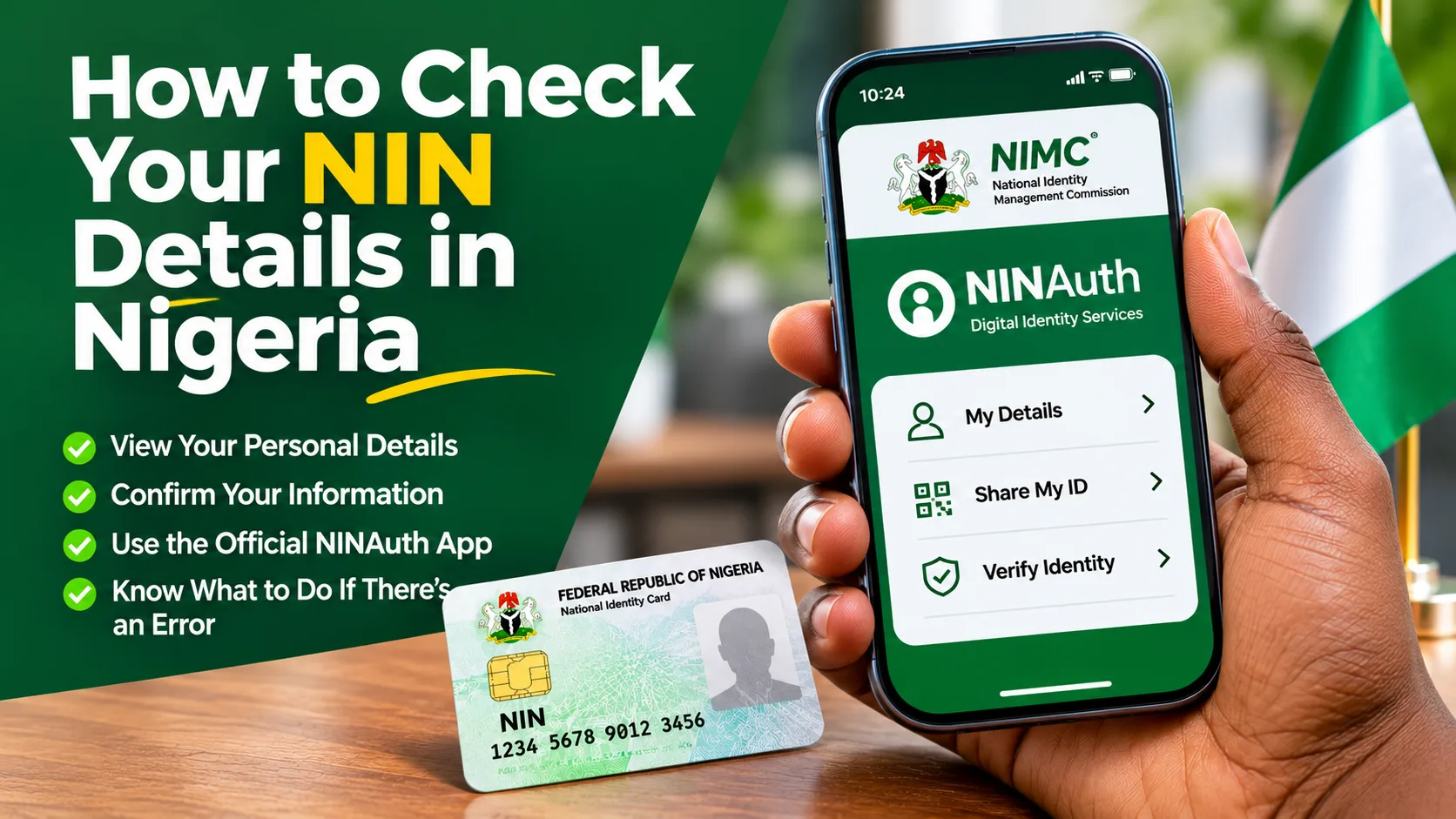
Fortunately, you can view your identity information through NIMC's official digital identity services. The NINAuth app is particularly useful because it allows you to access your digital identity information and securely share verified details with organisations when necessary.
In this guide, you will learn how to check your NIN details in Nigeria in 2027, how to confirm the information on your NIN record, and what to do if you discover an error.
What Does It Mean to Check Your NIN Details?
Checking your NIN details means reviewing the personal information associated with your National Identification Number to make sure it is accurate.
When you enrolled with the National Identity Management Commission (NIMC), your personal and biometric information was captured and linked to your unique 11-digit NIN.
Your NIN record may contain information such as:
Your full name.
Date of birth.
Gender.
Residential address.
Phone number.
Place of birth.
Other identity information recorded during enrolment.
These details are used to identify you during identity verification.
For example, if the name or date of birth on your NIN record differs from the information on your bank account or another official document, you may encounter verification problems.
That is why it is advisable to review your NIN information and correct any errors through the approved NIMC process.
How to Check Your NIN Details Using the NINAuth App
One of the official ways to access your digital identity information is through NINAuth, the National Identity Management Commission's digital identity application.
NINAuth allows individuals to access their digital identity profile and share verified information securely with organisations that support the service.
Here is how to get started.
Step 1: Visit the Official NINAuth Website
Open your browser and visit:
This is the official NINAuth website operated by NIMC.
You can also access the official app download page here:
https://ninauth.nimc.gov.ng/download
Always use the official website or the app store links provided by NIMC. Avoid downloading identity applications from random websites or social media links.
Step 2: Download the NINAuth App
Choose the appropriate download option for your smartphone.
The app is available for supported Android and iOS devices.
Install it and open the application after the download is complete.
Step 3: Register or Activate Your Account
Follow the registration instructions displayed in the application.
You will need an existing NIN and a supported smartphone. The app will guide you through the identity verification and account activation process.
Complete the requested steps and follow any security instructions displayed.
Step 4: Open Your Digital Identity Profile
After successfully activating your account, log in to NINAuth.
Open your digital identity profile or wallet to view the identity information and credentials available to you.
The information displayed depends on the records and features currently available to your account.
Step 5: Review Your Personal Information
Carefully check the details displayed in your profile.
Pay particular attention to:
Your first and last names.
Your date of birth.
Your other available demographic information.
Any identity information that you may have previously modified.
If the information is correct, you can continue using your NIN for legitimate identity verification.
If you notice an error, you may need to submit a modification request through NIMC.
How to Check Your NIN Details Using Your NIN Slip
If you already have a printed NIN slip, you can use it to review the personal information recorded on the document.
Your NIN slip contains your identity information and your 11-digit National Identification Number.
Follow these steps:
Locate your original NIN slip or an official downloaded copy.
Check the full name displayed on the document.
Confirm your date of birth.
Review other personal details printed on the slip.
Compare the information with your other official identity documents.
If you have an improved NIN slip with a QR code, the QR code can also be used for identity verification through supported NIMC verification services.
Remember that checking the details printed on an old slip does not necessarily confirm that it reflects your latest approved modifications.
If you have recently changed your name, address or other information, refresh your digital identity profile or obtain an updated slip to confirm that the approved changes have been reflected.
How to Check If Your NIN Details Have Been Updated
If you previously submitted a request to modify your NIN information, you may want to confirm whether the changes have been approved.
You can do this by checking your updated information through NIMC's official digital identity service.
NIMC's Mobile Digital ID guidance explains that users can refresh their profile through the app to retrieve their latest viewable information from the commission.
To do this:
Open your NIMC digital identity app.
Navigate to the Show My ID section.
Connect your phone to the internet.
Tap the refresh option.
Allow the app to connect securely to NIMC.
Review the information displayed after the refresh.
If the updated information does not appear, check the status of your modification request before submitting another application.
You can also contact NIMC for assistance if the approved changes are not reflected in your digital profile.
What Should You Do If Your NIN Details Are Incorrect?
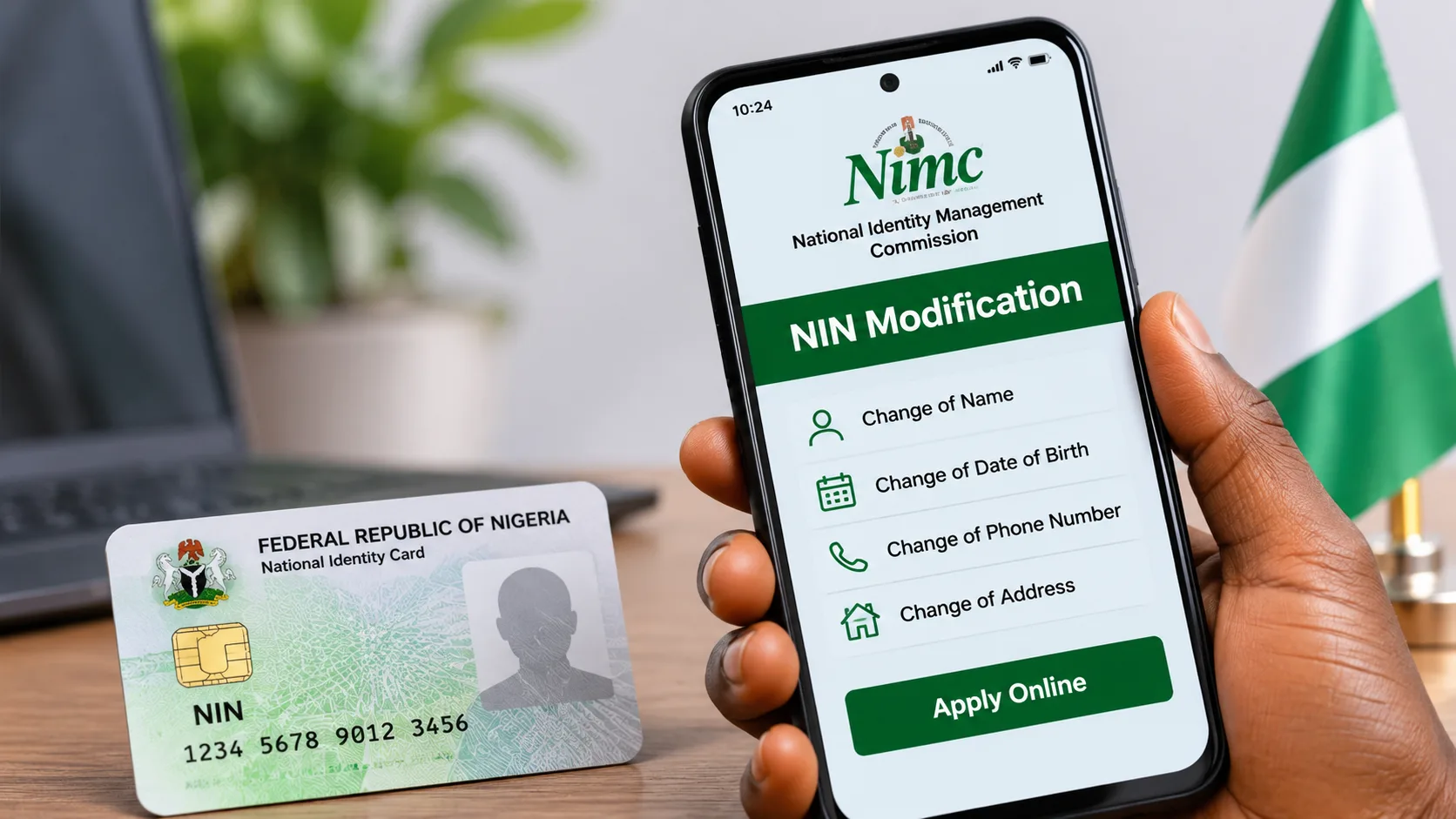
If you discover that your name, date of birth, address or phone number is incorrect, you should request a correction through NIMC.
The commission provides an official online self-service modification portal for eligible changes.
Visit:
https://selfservicemodification.nimc.gov.ng/
The portal supports modification requests for eligible personal information, including:
Change of name.
Change of date of birth.
Change of phone number.
Change of residential address.
The documents required depend on the type of correction you want to make.
For example:
Change of name: NIMC lists supporting documents such as a court affidavit, newspaper extract, marriage certificate where applicable, and other government identification.
Change of date of birth: The commission's current guidance lists National Population Commission birth documentation or attestation, depending on the applicant's circumstances.
Change of address: Supporting documents may include a utility bill, tenancy agreement or community leader's attestation.
Change of phone number: NIMC's requirements include a police report for a phone number lost through loss or mechanical damage.
Check the current requirements on the official NIMC website before submitting your request, as the documentation and payment requirements differ by modification type.
You can also read our detailed guide on how to modify your NIN details online in Nigeria for a step-by-step explanation of the process.
How to Verify Your NIN Without Sharing Your Full NIN
There may be situations where a bank, organisation or service provider needs to confirm your identity.
Instead of casually sending your full NIN to another person, you should use an approved identity verification method where available.
NINAuth provides features that allow you to share verified identity information securely.
For example, an organisation supporting NINAuth may display a QR code that you can scan using the app. You can also use a share code where the organisation's verification process supports it.
This gives you greater control over the information being shared.
NIMC's digital identity system is designed to support secure verification without requiring you to expose your personal identity details unnecessarily.
You can read more about the service on the official NINAuth website:
Can I Check My NIN Details Online Without the NINAuth App?
NIMC provides different services for accessing and verifying identity information.
If you do not want to use the NINAuth app, you can still review the information printed on your existing NIN slip.
However, there is an important distinction between checking your own information and verifying a person's identity against the National Identity Database.
NIMC does not provide a general public search tool where anyone can enter another person's NIN and freely view their complete personal information.
Identity verification is subject to authorised access and appropriate security controls.
If you need your latest official identity information, use NIMC's approved digital identity services or visit an authorised NIMC enrolment centre for assistance.
Why You May Be Unable to Check Your NIN Details
If you are having trouble accessing your NIN information, one of the following issues may be responsible.
1. You Have Entered Incorrect Information
If you enter incorrect details during account activation or verification, the process may fail.
Check that the information you provide matches your existing NIMC records.
2. You Are Using an Unofficial App
Some websites and mobile applications may claim to provide NIN verification services.
Not all of them are authorised by NIMC.
Download NINAuth only through the official NIMC website or the app store links it provides.
3. Your Internet Connection Is Unstable
Some identity services require an active internet connection to retrieve updated information.
If the app is not loading your profile, check your connection and try again.
4. Your Information Has Not Been Updated
If you recently submitted a modification request, the changes may not yet have been approved or reflected in your digital profile.
Check your modification request status and wait for the approval notification before assuming that the update has failed.
5. You Are Experiencing an App or Device Problem
If the application displays an error, check whether an update is available.
You can also consult the official NINAuth support resources for troubleshooting instructions.
For NIMC Mobile Digital ID enquiries, the commission lists mobileid@nimc.gov.ng as a support contact.
How to Protect Your NIN Details From Fraud
Your NIN is a sensitive identity credential. If it falls into the wrong hands, it may be misused in attempts to impersonate you or access services in your name.
Take these precautions:
Do not publish your NIN slip on social media.
Avoid sending your full NIN to strangers.
Do not share your NINAuth login credentials or security codes.
Download identity applications only from official sources.
Avoid websites promising free access to another person's NIN details.
Do not make payments to unofficial agents claiming to provide instant NIN verification.
Use approved identity verification services whenever possible.
NIMC has also warned Nigerians against fraudulent websites and applications that collect NIN or BVN information without authorisation.
You can read its official fraud advisory here: https://nimc.gov.ng/fraud-alert/
1. How can I check my NIN details online in Nigeria?
You can use NIMC's official NINAuth mobile application to access your digital identity profile and view the information available to you. You can also review the details printed on your existing NIN slip.
2. What app can I use to check my NIN details?
NINAuth is the official digital identity application provided by NIMC. Download it through the official website at https://ninauth.nimc.gov.ng/.
3. Can I check my NIN details using my phone?
Yes. You can use a supported Android or iOS smartphone to access NINAuth and view your available identity information.
4. Can I check my NIN details using only my NIN number?
The NIN alone is not a public search key that allows anyone to view your complete personal identity record. Use NIMC's approved verification services and follow their authentication requirements.
5. How do I check if my date of birth is correct on my NIN?
Review your date of birth on your NIN slip or digital identity profile. If it is incorrect, submit a date-of-birth modification request through NIMC's official self-service portal with the required supporting documentation.
6. Can I change my NIN details online?
Yes. NIMC provides an online self-service modification portal for eligible changes, including name, date of birth, phone number and address.
7. Can I check someone else's NIN details?
You should not attempt to access another person's private identity information without their consent and an authorised verification process. NINAuth provides secure ways for individuals to share verified identity information with participating organisations.
8. Is NINAuth an official NIMC app?
Yes. NINAuth is an official digital identity service provided by the National Identity Management Commission.
Final Thoughts
Checking your NIN details is an important step in making sure your identity information is accurate and ready for verification whenever you need it.
If you want to review your personal information, you can use your existing NIN slip or access your digital identity profile through NINAuth.
If you discover an incorrect name, date of birth, phone number or address, do not ignore it. Use NIMC's official self-service modification portal to request the appropriate correction.
Most importantly, protect your NIN information and avoid unofficial websites or individuals promising instant access to your identity records.
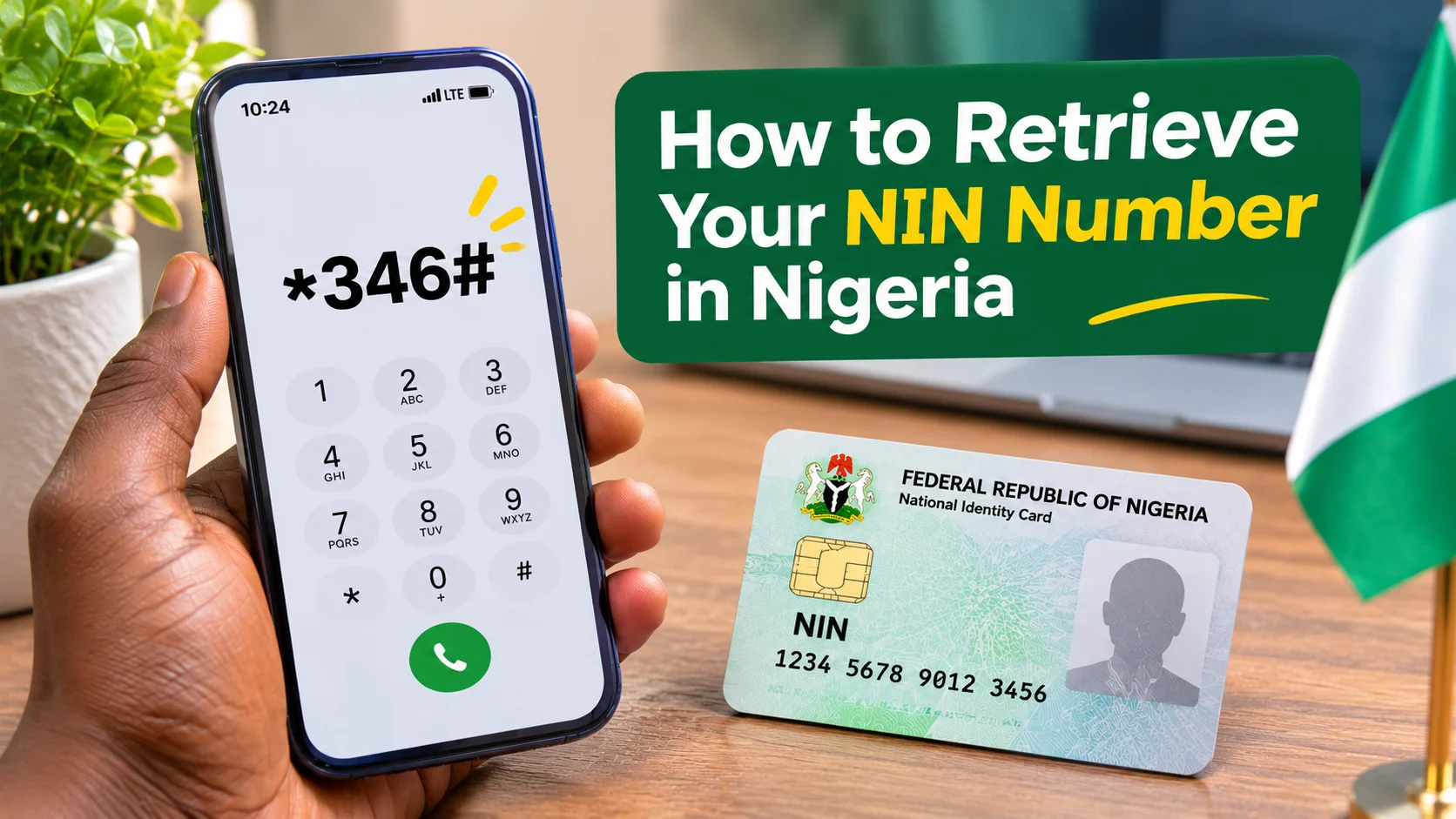
For more practical guidance, read our Afriupdate article on how to retrieve your NIN number in Nigeria if you have forgotten your 11-digit NIN or misplaced your slip.

Discussion
No comments yet
Be the first to share your thoughts, analysis, or questions on this story.
Report Comment
Help our editorial moderation team keep discussions constructive and factual.